
ArcadePatches
Collection builder · v0.1
Build and update your Arcade Patches collection from media you own. Choose your games, platforms and regions, then copy the completed folders to your setup.
Free download. Python is required. No ROMs or game data are included.
What it does
- Point it at your ROM and media folders. Loose files, ZIPs and 7z archives are identified by content, without renaming them.
- Choose individual games, platforms and regions, or keep everything selected to include future catalog additions.
- Check requirements using archive details without unpacking ROMs. Source contents are verified when building, and ready games can update while others wait for missing media.
- Required patches, helpers and Python packages are downloaded and prepared privately when needed.
- Run it again to pick up catalog updates. Completed output is grouped by platform, ready to copy.
Inside the terminal
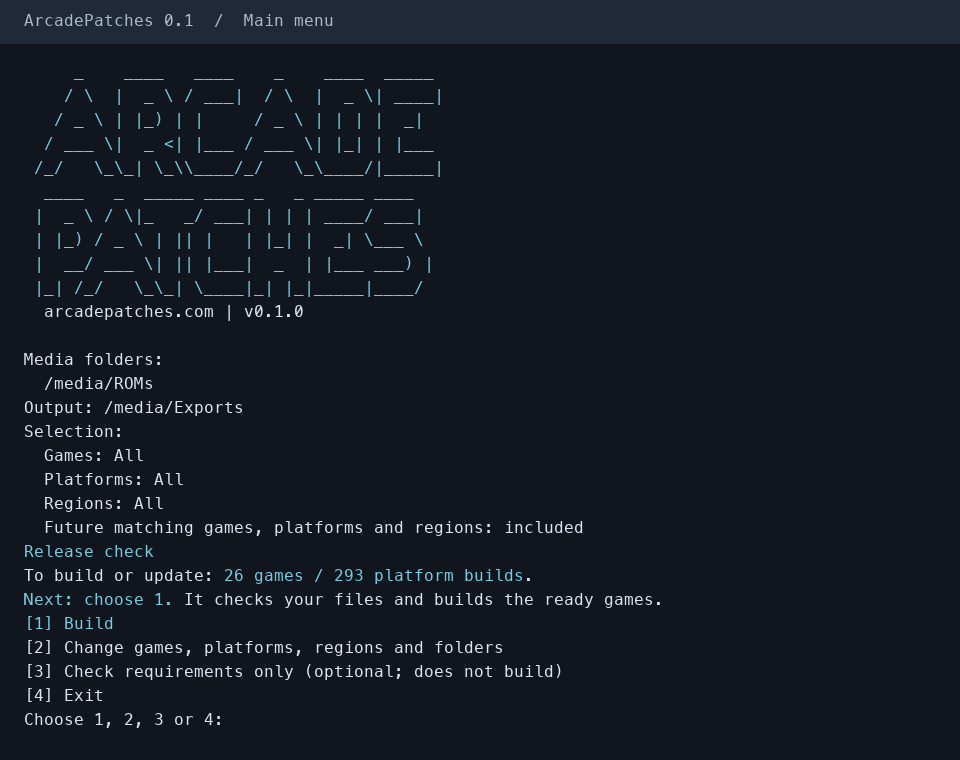
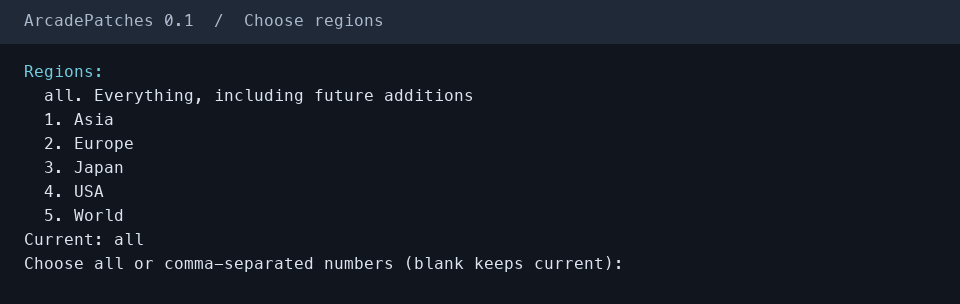
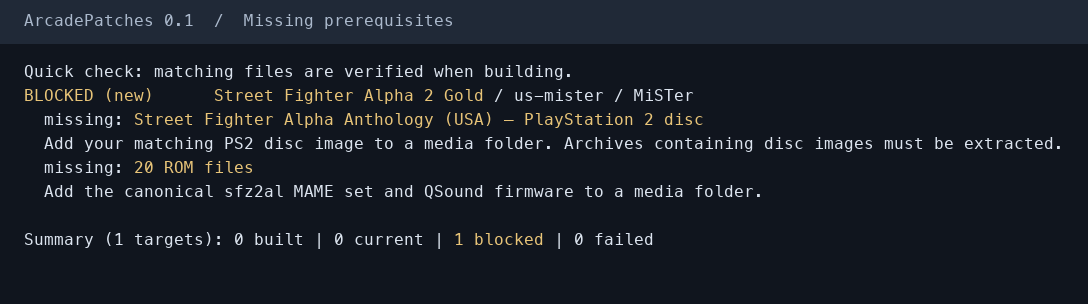
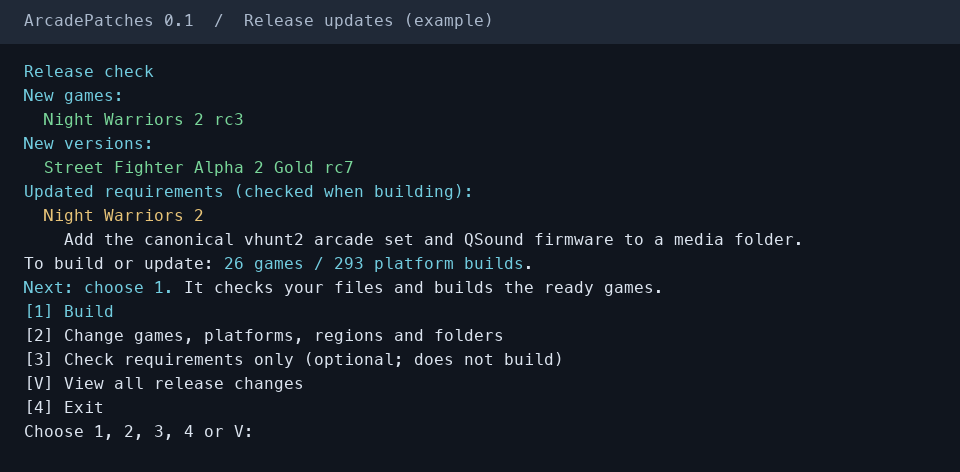
Open a screenshot to view it at full size.
Before you start
Install Python first. Use Python 3.12 on an Apple Silicon Mac or x64 Python 3.13 on Windows for the full catalog. Windows ARM users can use x64 Python 3.13.
The launcher requires Python 3.10 or newer. Linux and other Python/host combinations support a subset of builds; the plan identifies unsupported targets before building.
You need your own canonical MAME-format arcade ROMs. Some games also need discs, firmware or other media. ArcadePatches names what is missing; it does not download source ROMs or private keys.
Strider EX additionally requires MAME 0.288 on PATH. On Windows, keep the tool's state/cache folder on a local NTFS disk.
Get started
- Extract the download and open a terminal in that folder. Launch it with the command for your system below.
- Enter your ROM/media folders and an export folder. All games, platforms and regions are selected initially; option 2 lets you narrow them.
- Choose Build (shown as Update after your first completed build). It checks your media and builds the ready games; a separate requirements check is optional. Follow the instructions for anything missing.
- Read INSTALL.txt in the export folder and copy the platform folders to your device or emulator setup. Later launches check for new releases without scanning your ROM folders; choose Update when you want them.
# Windows
py -3.13 arcadepatches.py

# Apple Silicon Mac
python3.12 arcadepatches.py

# Linux
python3 arcadepatches.py
The included QUICKSTART.txt covers command-line filters, offline updates, cache limits and recovery.
Updates and output
At startup, the launcher checks for new games, versions and changed requirements without scanning your ROM folders. Choose Build (shown as Update after your first completed build) to check your media and build the ready games. Keeping “all” selected includes future matching games, platforms and regions. It does not run in the background.
Copying to MiSTer, HBMAME or another destination is manual. Some soundtrack exports are overlays that need the named game files already installed; follow INSTALL.txt. Changing a selection keeps existing exports.
Prefer to build one game directly? Each game's page still has its standalone download and instructions.